Your reference images,
finally native.
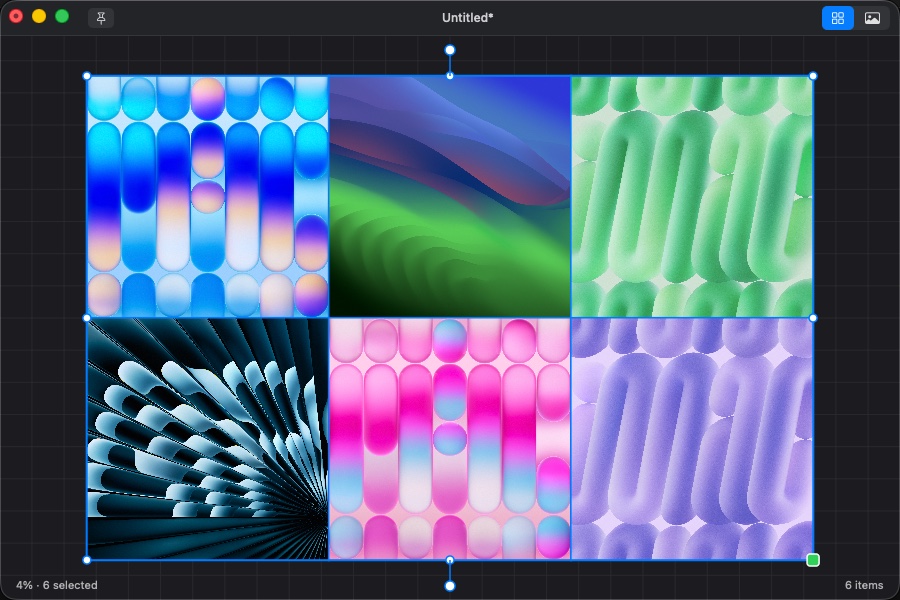
An infinite board for collecting, arranging and flipping through reference images. Built with AppKit, no Electron, no subscription, no account.
See it in motion
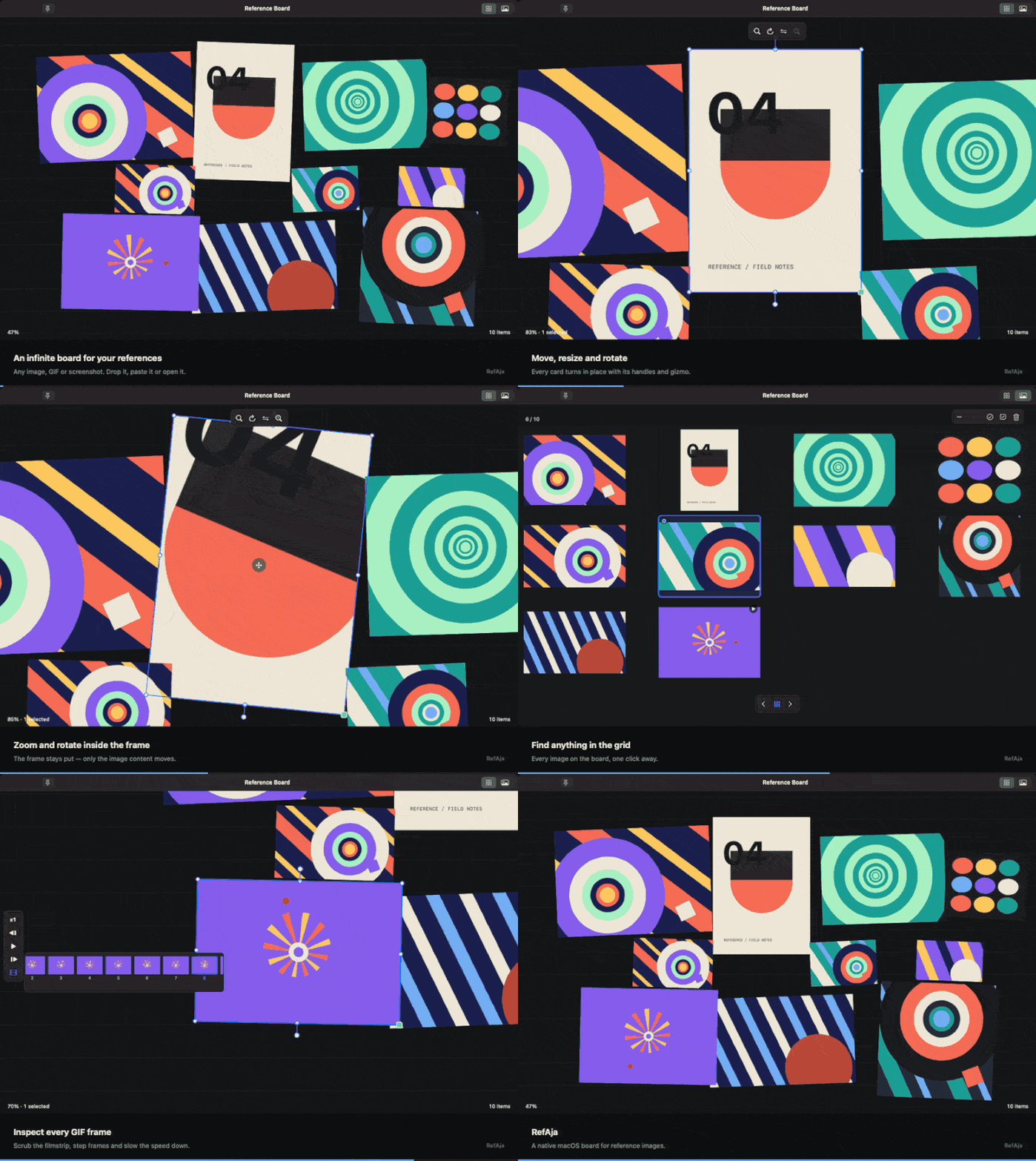
Twelve seconds of the real app: collect a board, move and rotate images, open one full size, jump through the grid, then scrub a GIF frame by frame.
Built for looking, not filing
No libraries, no tags, no cloud. Drop images on a board and work with them.
Drag anything in
PNG, JPEG, GIF, HEIC, WebP, SVG, folders, clipboard — whatever ImageIO can read.
Real transforms
Move, scale, rotate and flip each image. Crop by resizing its frame without touching the pixels.
Sub View
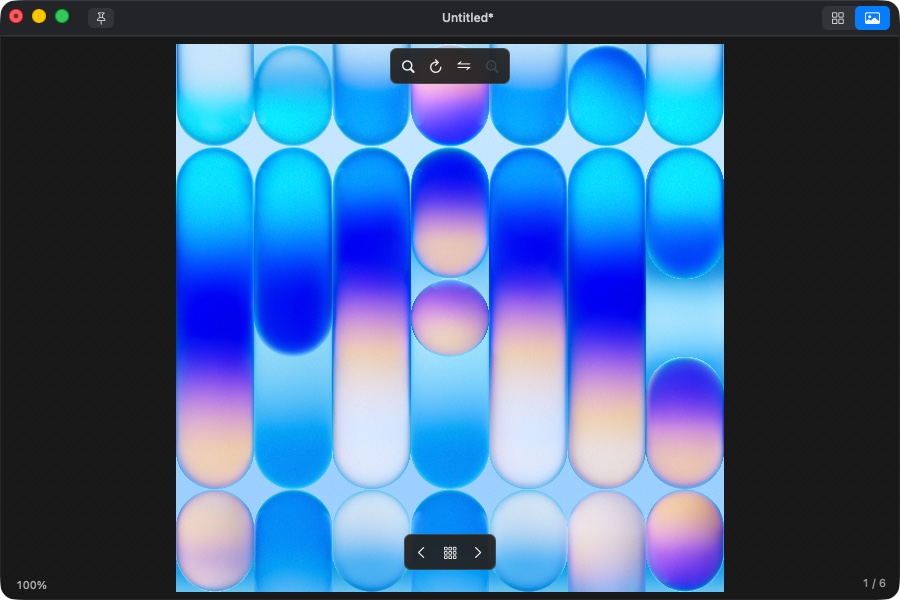
One image at a time, full size, with zoom, rotate and flip. State is kept per image.
GIF playback
Animated images play automatically, with a scrubbable filmstrip and 0.25×–4× speed.
Click-through
Make the window transparent to the mouse and keep it over your art app as a reference.
Portable scenes
Save a whole board as one .refaja file with the images embedded.
Flip through everything
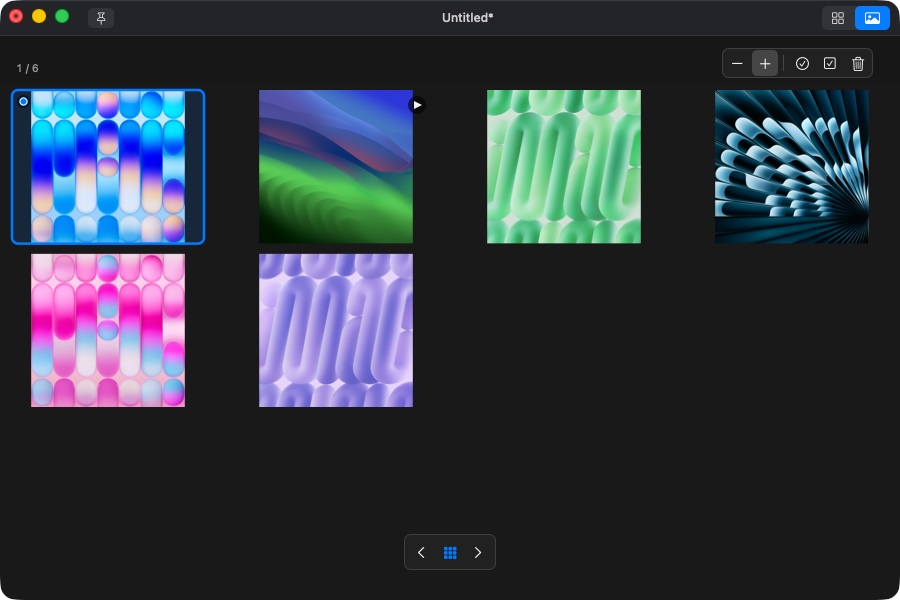
The grid shows every image on the board at a glance. Click one to open it, reorder them, select several, delete in bulk.
- Arrow keys move between images
- Shift + arrow extends the selection, like Finder
- Return opens the highlighted image
Then look closely
Sub View gives one image the whole window. Zoom at the pointer, rotate with R + drag, flip with F. Each image remembers where you left it.
- Double-click to fit the image to the window
- Right-click for previous, next and the grid
- Export the board or the images at up to 4× scale
Not released yet
RefAja is in final testing — a few things are still being fixed before the first public build. There is no download to offer yet, and this page will not link to one until the app is ready.
Want to be told when it ships? Write to hello@refaja.com and I'll send one email when it's out.
Your images stay yours
RefAja has no accounts, no telemetry and no network code. Images are decoded, displayed and saved on your Mac.
Scenes are plain JSON with the image bytes embedded, so a .refaja file keeps working without RefAja's servers — there are none.
Questions
Does it work on Intel Macs?
Yes. The download is a universal binary containing both Apple Silicon and Intel code. macOS 13 or newer is required.
Where are my boards saved?
Wherever you choose with ⌘S. A board is a single .refaja file containing the images and their layout. Nothing is written anywhere else except your preferences.
Can I open a board on another Mac?
Yes — copy the .refaja file. Images are embedded, so it opens without the originals.
Something is broken / I have a suggestion
Email hello@refaja.com with what you did and what happened. Screenshots help.